
Service Desk
AI-augmented ticket management, SLA optimization, and predictive support operations
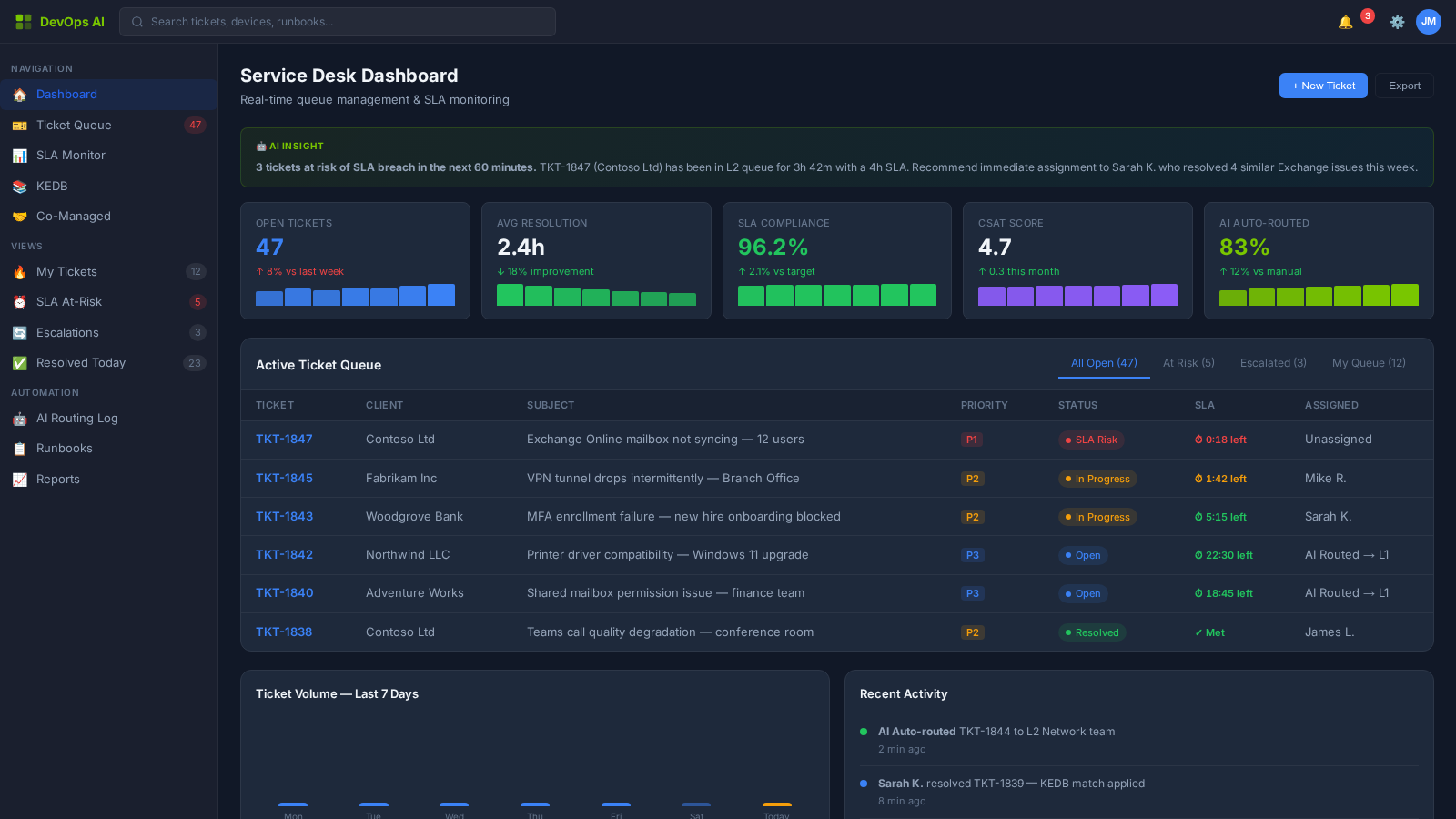
The Service Desk is the operational heartbeat of every MSP. DevOps AI transforms reactive ticket queues into predictive, AI-augmented support operations — routing tickets intelligently, surfacing known-error solutions before technicians search for them, and predicting SLA breaches before they happen.
What You'll See
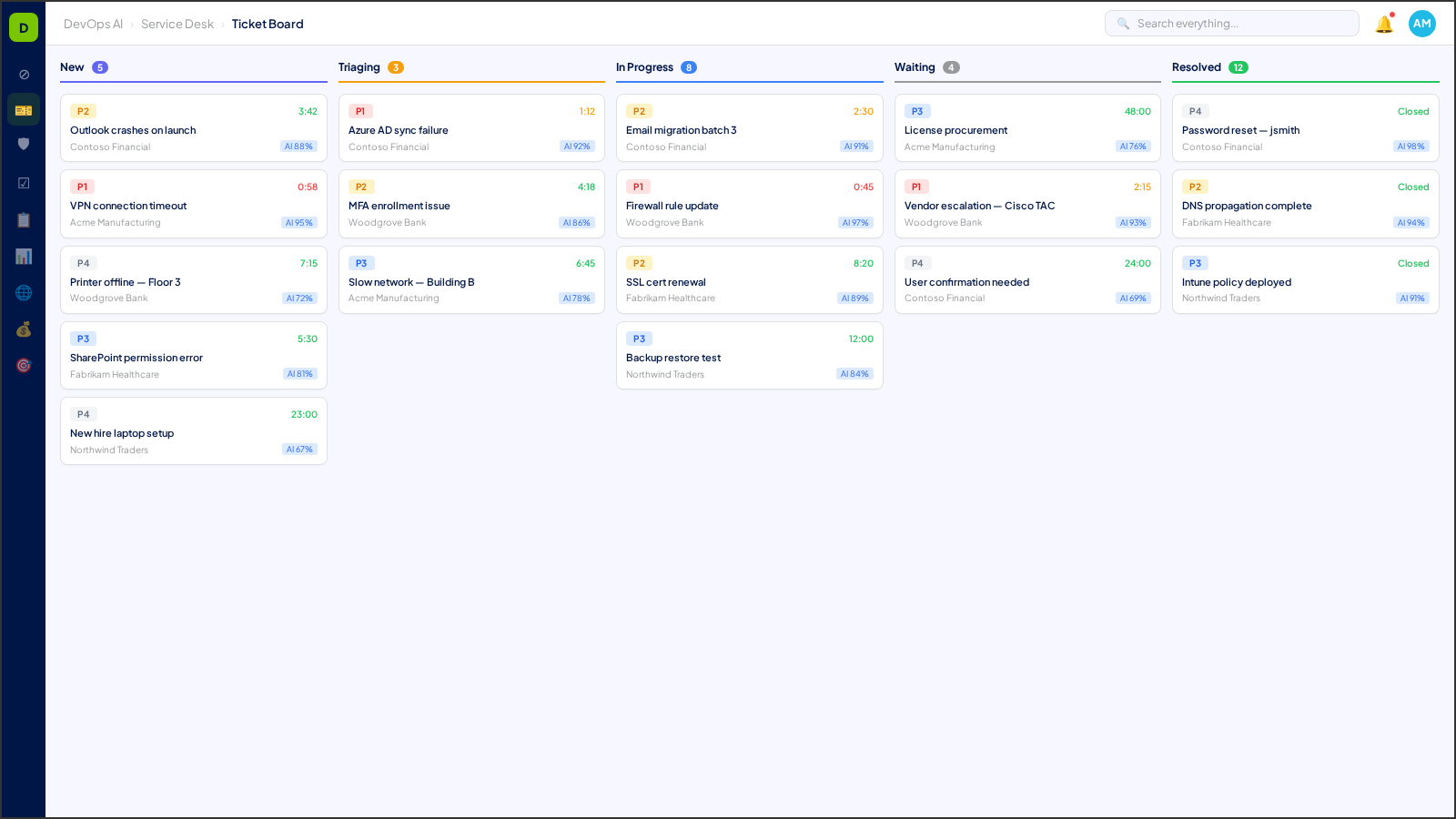
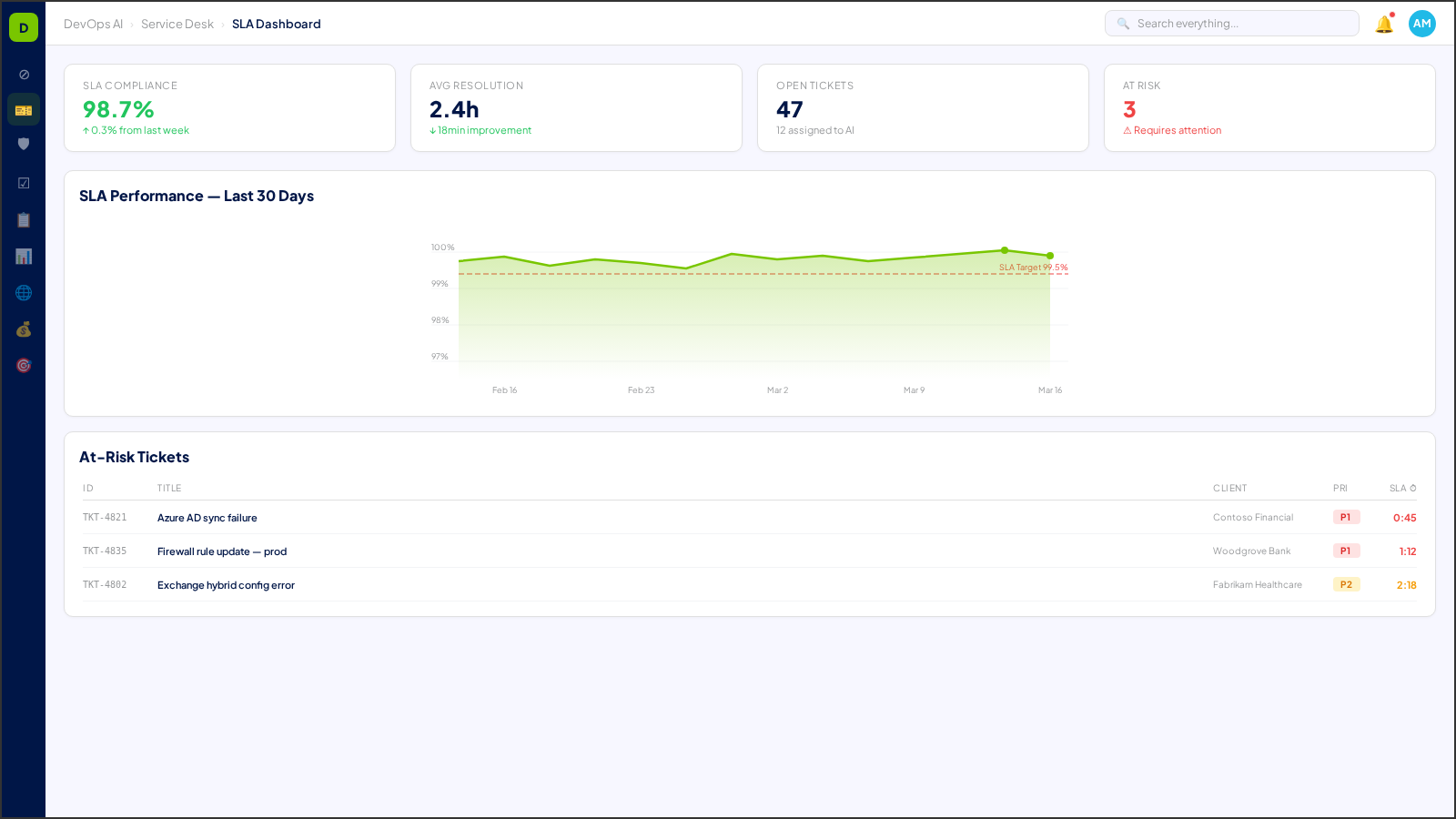
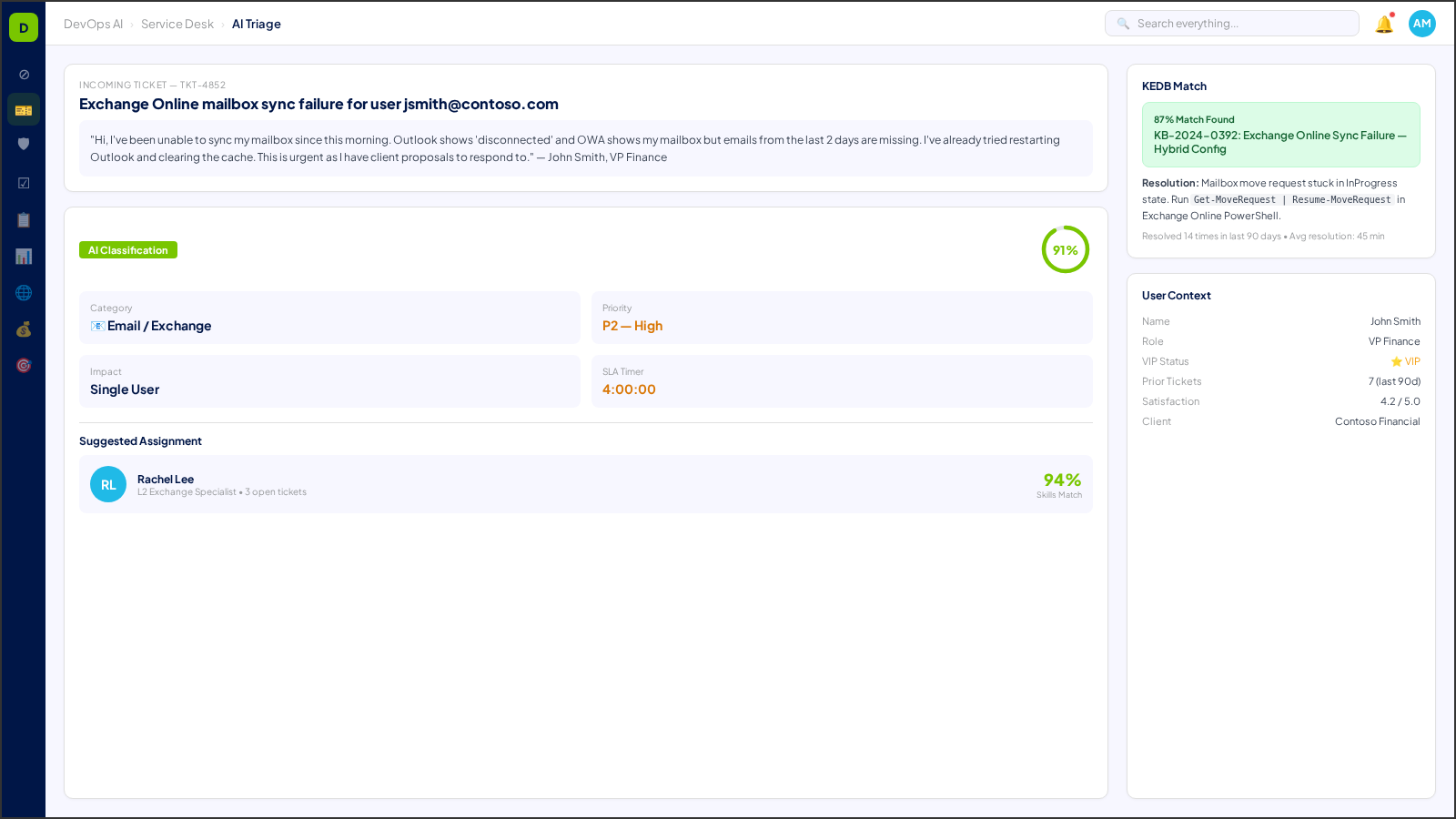
Real screens from the DevOps AI control plane — populated with representative data.
8 Process Areas
Each process area is classified with a Human-in-the-Loop (HITL) gate level — defining the boundary between AI autonomy and human oversight. Click any process area for a deep dive.
Ticket Ingestion & AI Triage
L0 — Fully AutomatedAutomated ticket classification, priority scoring, and intelligent routing based on technician skills, workload, and client SLA tiers.
Deep Dive →Known Error Database (KEDB)
L0 — Fully AutomatedAI-maintained knowledge base that surfaces matching solutions as tickets are created. Self-healing when new resolutions are confirmed.
Deep Dive →SLA Management & Prediction
L1 — NotifyReal-time SLA tracking with predictive breach alerts. Automated escalation triggers when resolution targets are at risk.
Deep Dive →Dispatch Optimization
L1 — NotifyAI-optimized technician assignment considering skills matrix, current workload, client proximity, and specialization.
Deep Dive →CSAT Collection & Analysis
L0 — Fully AutomatedAutomated satisfaction surveys post-resolution with sentiment analysis and trend detection across clients.
Deep Dive →Co-Managed IT Workflows
L2 — Approve to ProceedShared ticket queues between MSP and client internal IT with role-based visibility, handoff protocols, and SLA accountability.
Deep Dive →Playbook Automation
L1 — NotifyTemplated resolution workflows that guide technicians through standardized procedures with automated substeps.
Deep Dive →Cross-Client Problem Intelligence
L1 — NotifyPattern detection across all clients — when the same issue appears at multiple sites, proactive alerts trigger before tickets are even created.
Deep Dive →NLP Intake Classification
L0 — Fully AutomatedNatural language processing engine that classifies incoming support requests by intent, urgency, category, and affected service — enabling zero-touch ticket categorization.
Deep Dive →Assignment Optimization
L1 — NotifyAI-driven technician assignment engine that optimizes ticket routing based on skill matrix matching, current workload balancing, SLA urgency, and client tier weighting.
Deep Dive →Service Request Fulfillment
L1 — NotifyAutomated fulfillment workflows for standard service catalog requests — from password resets and access provisioning to software deployments and hardware procurement.
Deep Dive →Problem Management Lifecycle
L2 — Approve to ProceedEnd-to-end problem management from root cause identification through known error documentation and permanent fix implementation with AI-assisted pattern detection.
Deep Dive →Understanding HITL Gate Levels
Every process area in DevOps AI is classified by its Human-in-the-Loop (HITL) gate level — defining when AI acts autonomously and when human approval is required.
AI executes autonomously with full logging. No human approval needed. Examples: ticket classification, monitoring alerts, report generation.
AI executes and notifies the assigned human. Human can review, override, or escalate after the fact. Examples: SLA predictions, patch scheduling.
AI prepares and recommends, but a human must explicitly approve before execution. Examples: change requests, contract modifications, campaign launches.
Humans perform the action with AI providing decision support only. Examples: legal review, privileged access approval, incident legal response.
Who Uses Service Desk?
See how Service Desk transforms daily operations for these roles.
Works With
Service Desk integrates deeply with these operational zones.